A trader’s system in your pocket

In the morning the app tells you whether to trade today. During the day it shows system trades with exact stops. When you feel the urge to win it back, press Brake. In the evening, two minutes for the journal; at night the app sends you to bed.

Runs in the browserРусский · English · SrpskiSign in with Telegram or email
A day with the app

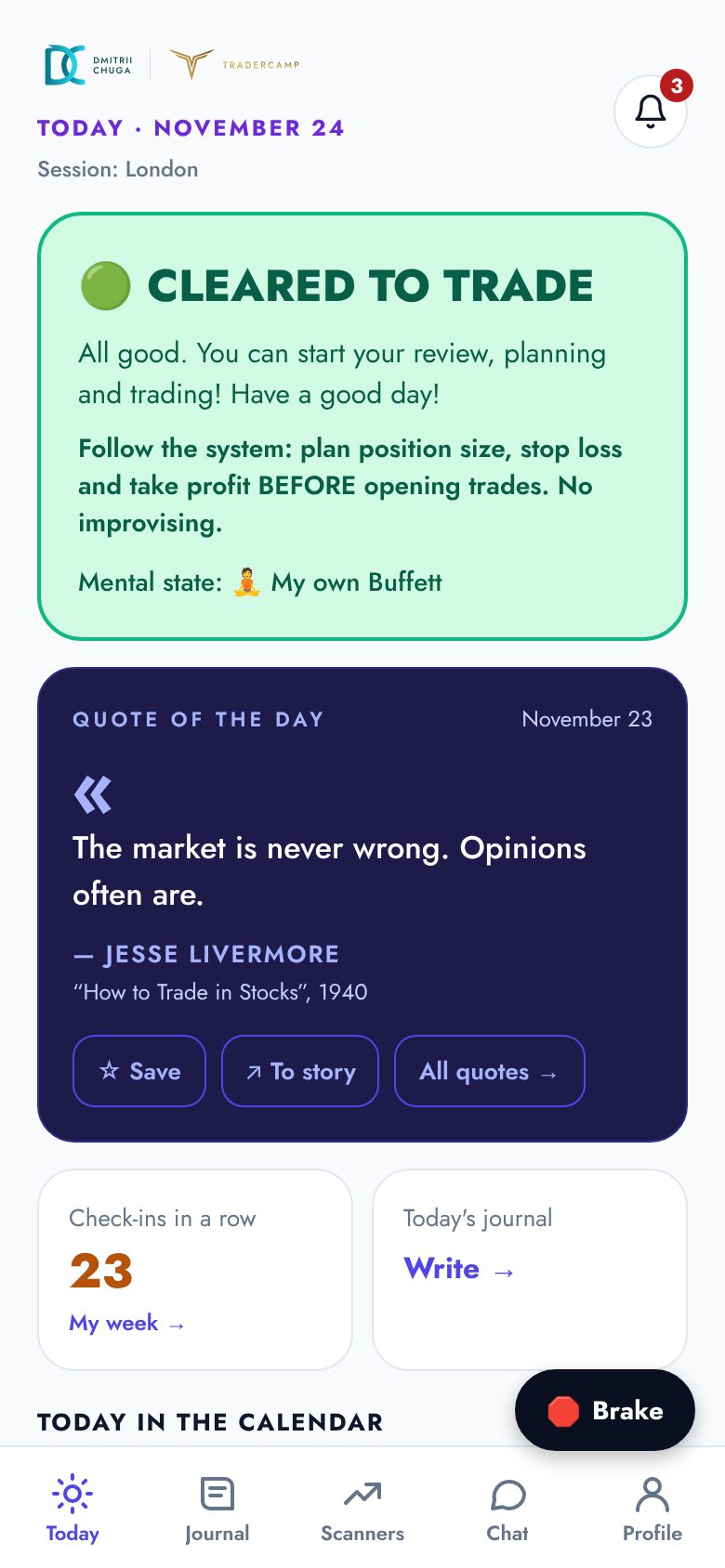
The Today screen changes with your day.

MORNING

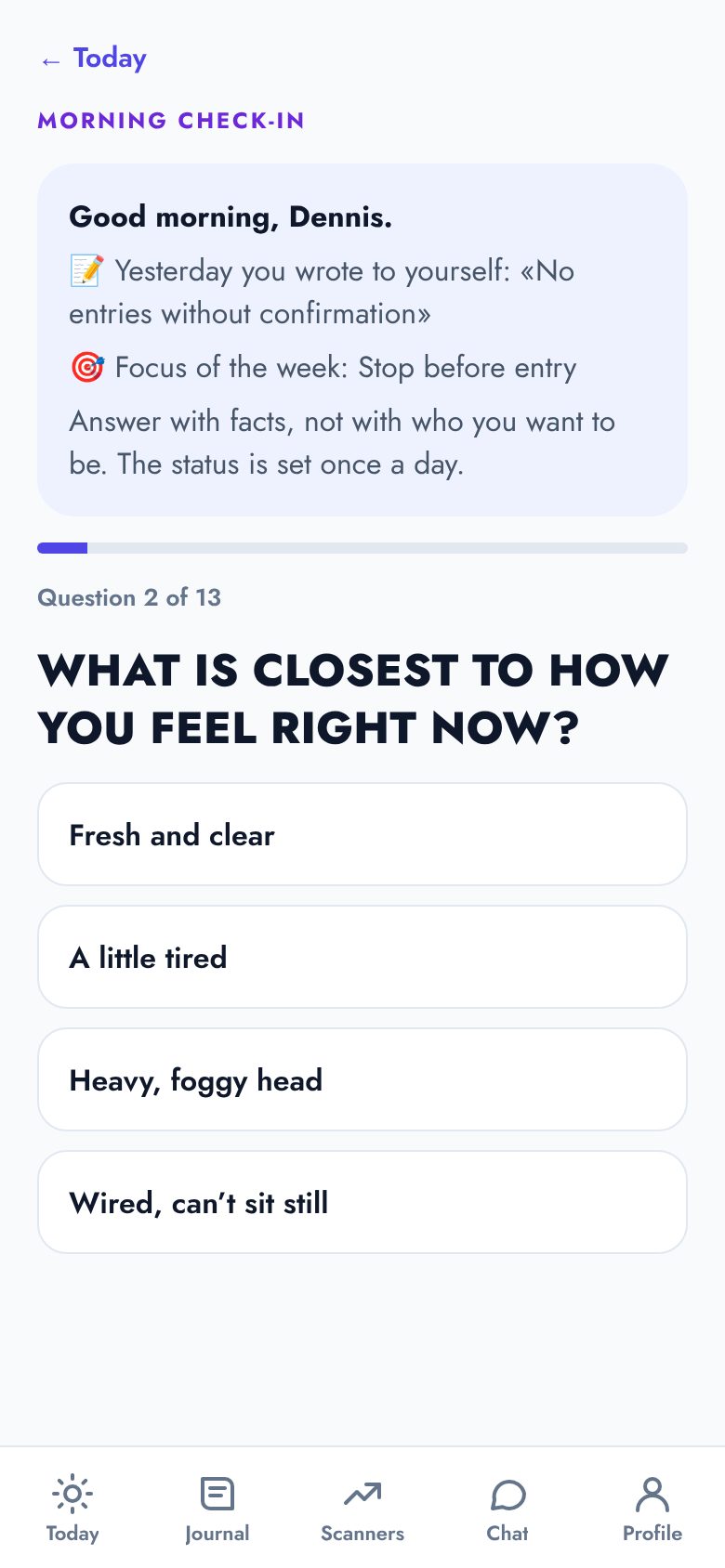
Check-in and clearance

13 short questions about sleep, state and plans. The result is a traffic light: green means trade by the system, yellow means half size, red means no trades today. Plus a rule for the day.

DAY

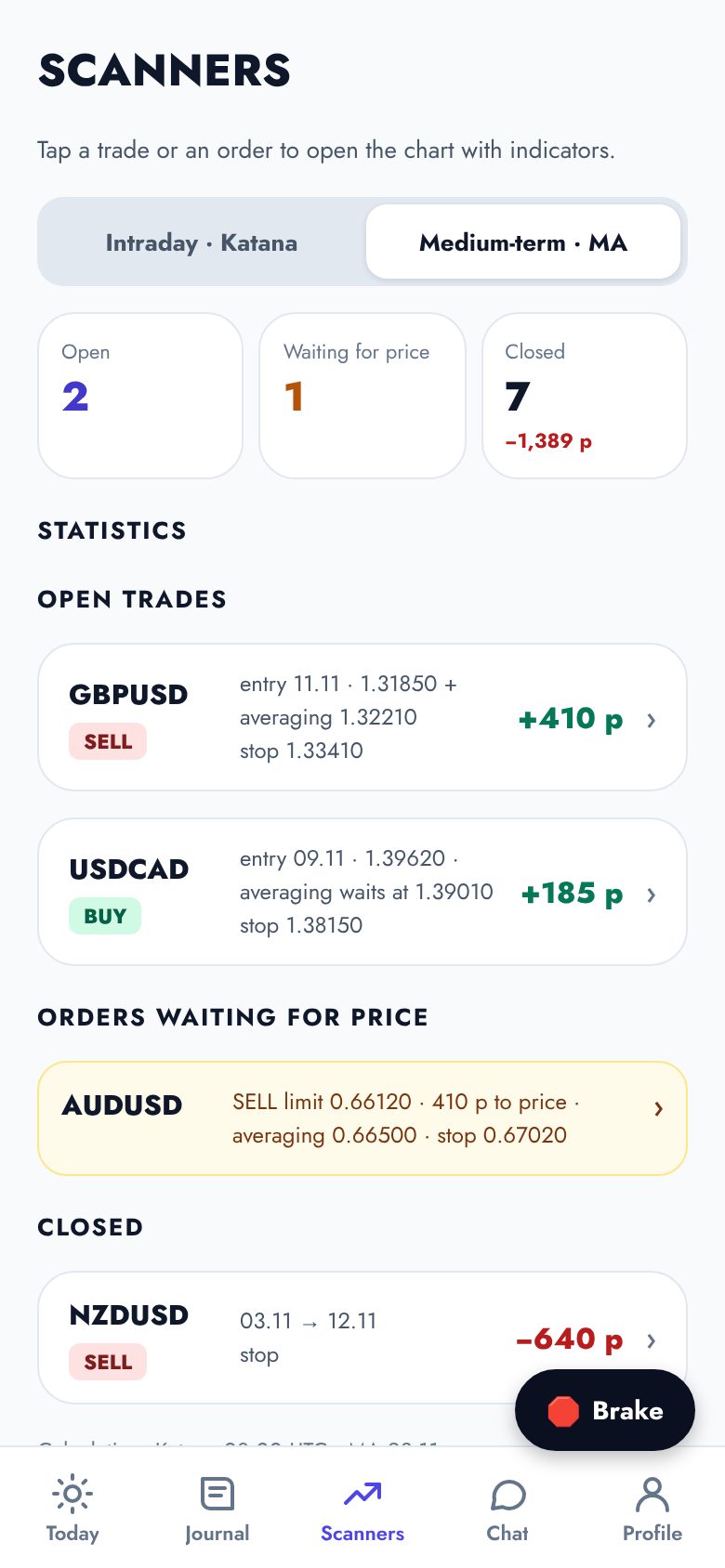
System scanners

Katana on H1 and MA Medium-term on D1: open trades, orders and closed results. Every signal has an exact stop and target price, with points in brackets. The same numbers as in the newsletter and on the site.

URGE

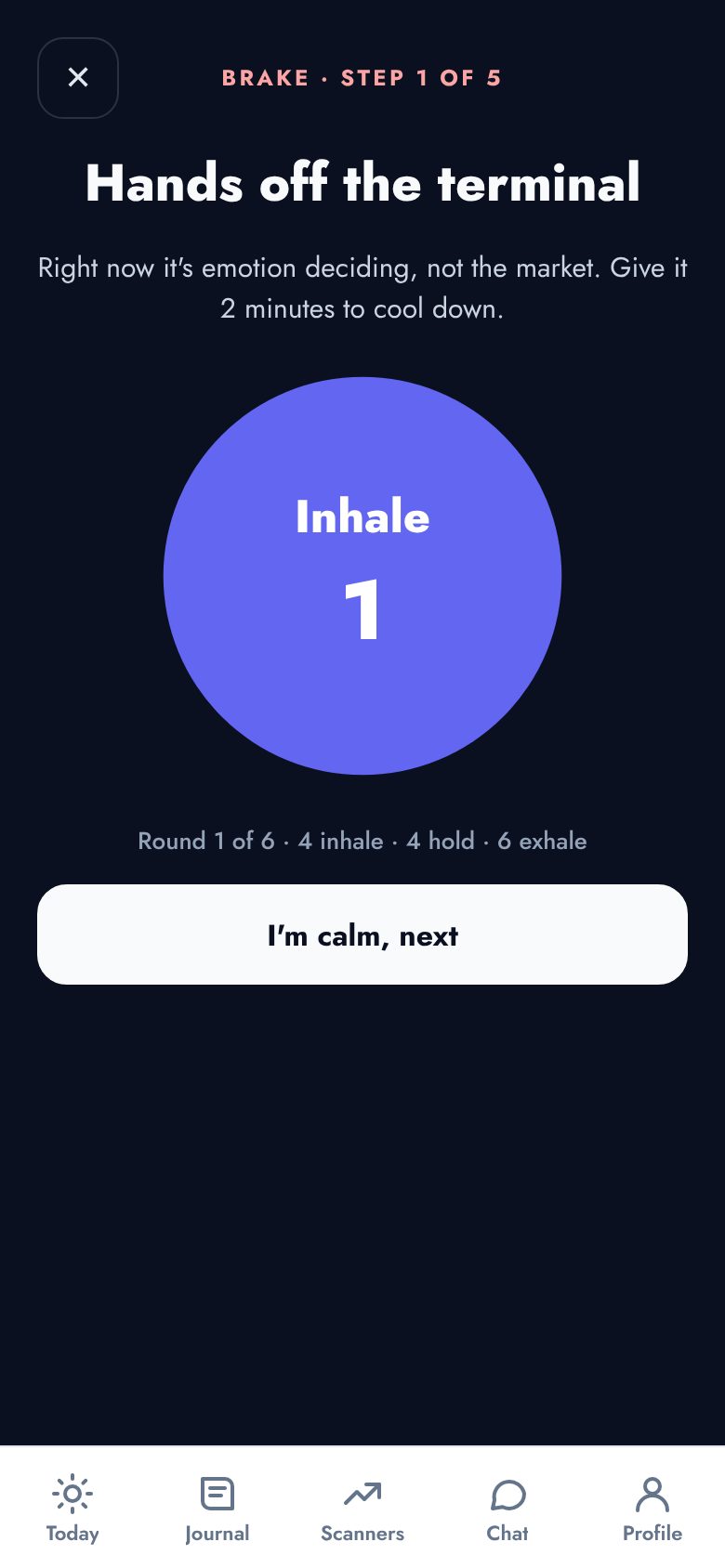
The Brake button

Want to win it back or enter on emotion? Five steps, two minutes: breathing, questions, a pause. The urge passes, the account stays.

EVENING

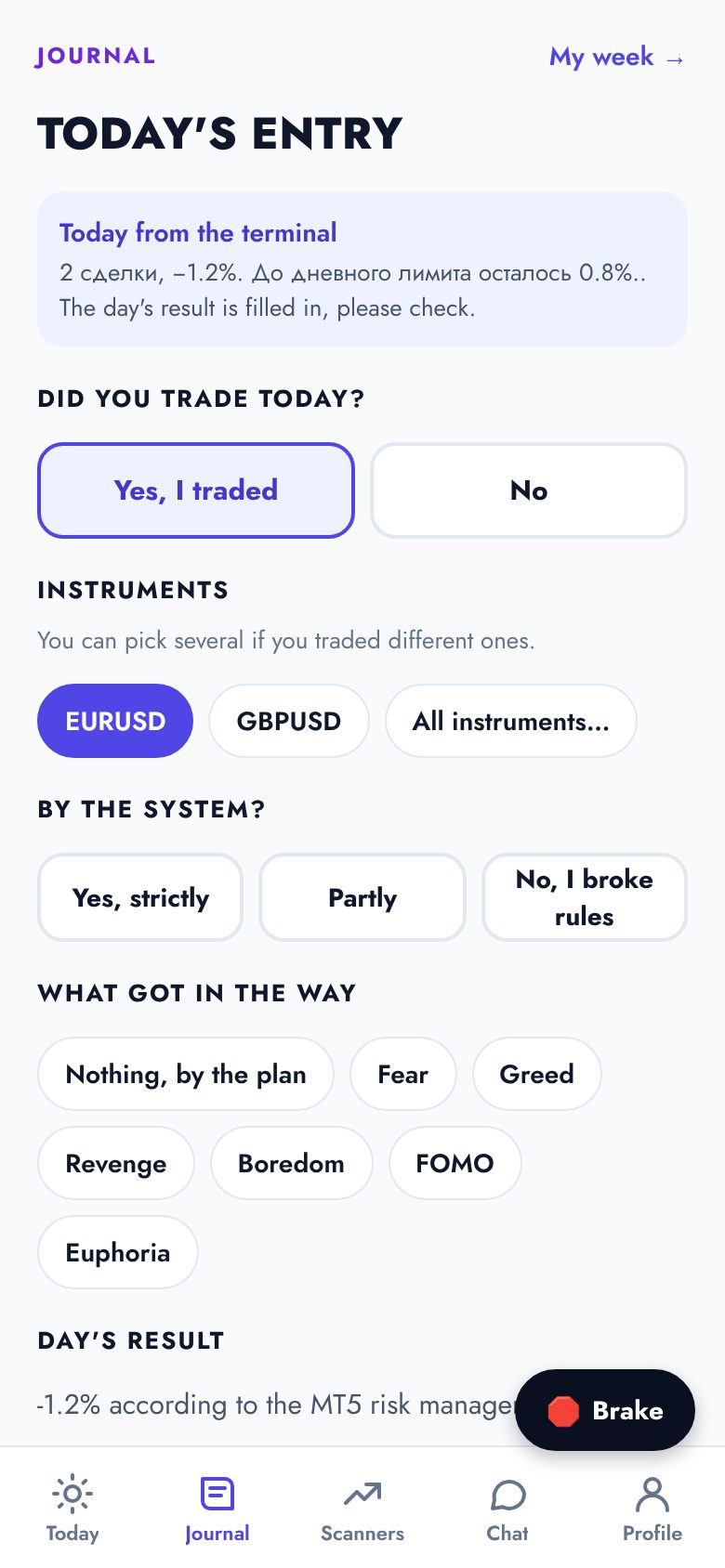
A 2-minute journal

Did you trade, did you follow the system, what got in the way, what’s the lesson. With MetaTrader 5 connected, the terminal summary fills in by itself. Once a week you get a review and an outside view.

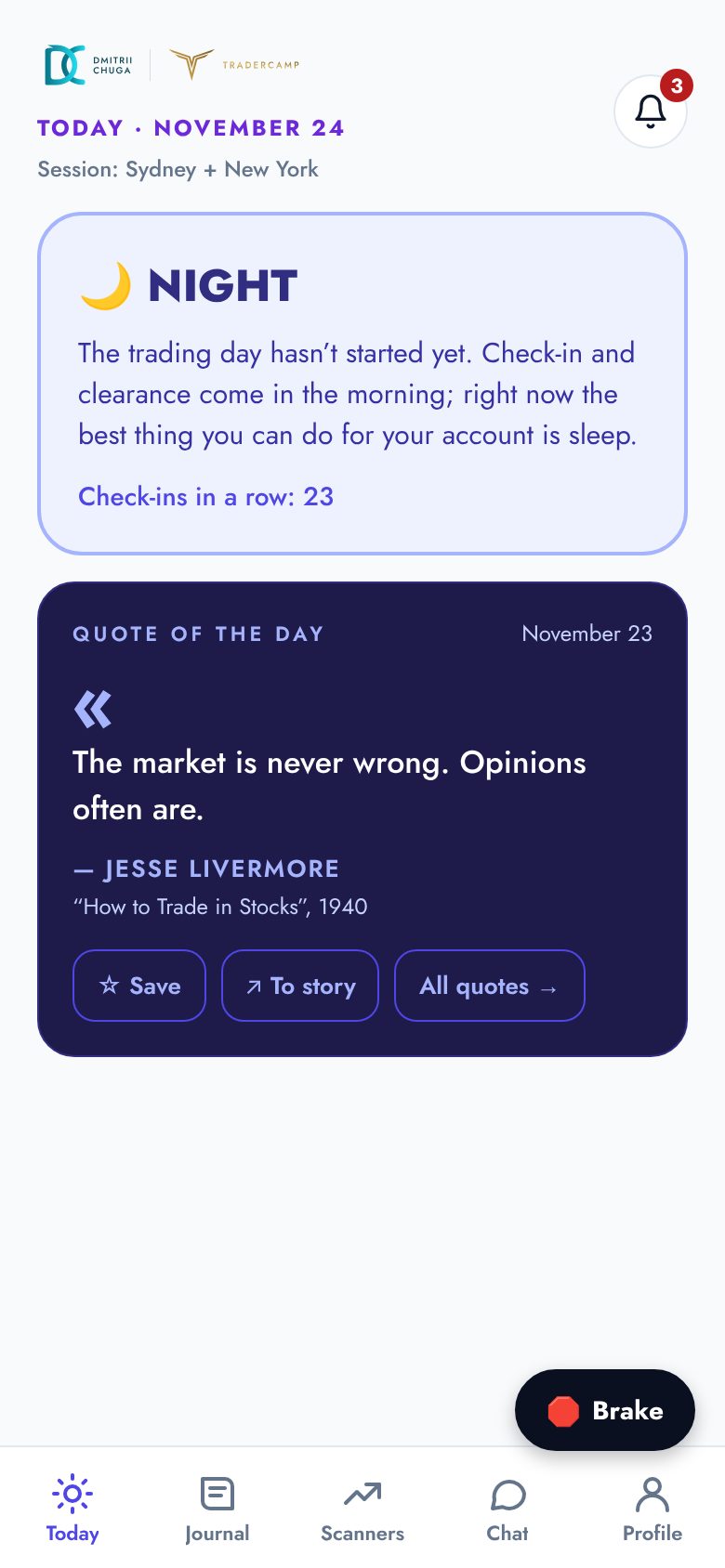
NIGHT

Time to rest

Once the day is saved, the clearance turns into Time to rest, and at night the app asks for neither a check-in nor a journal. The market will manage without you.

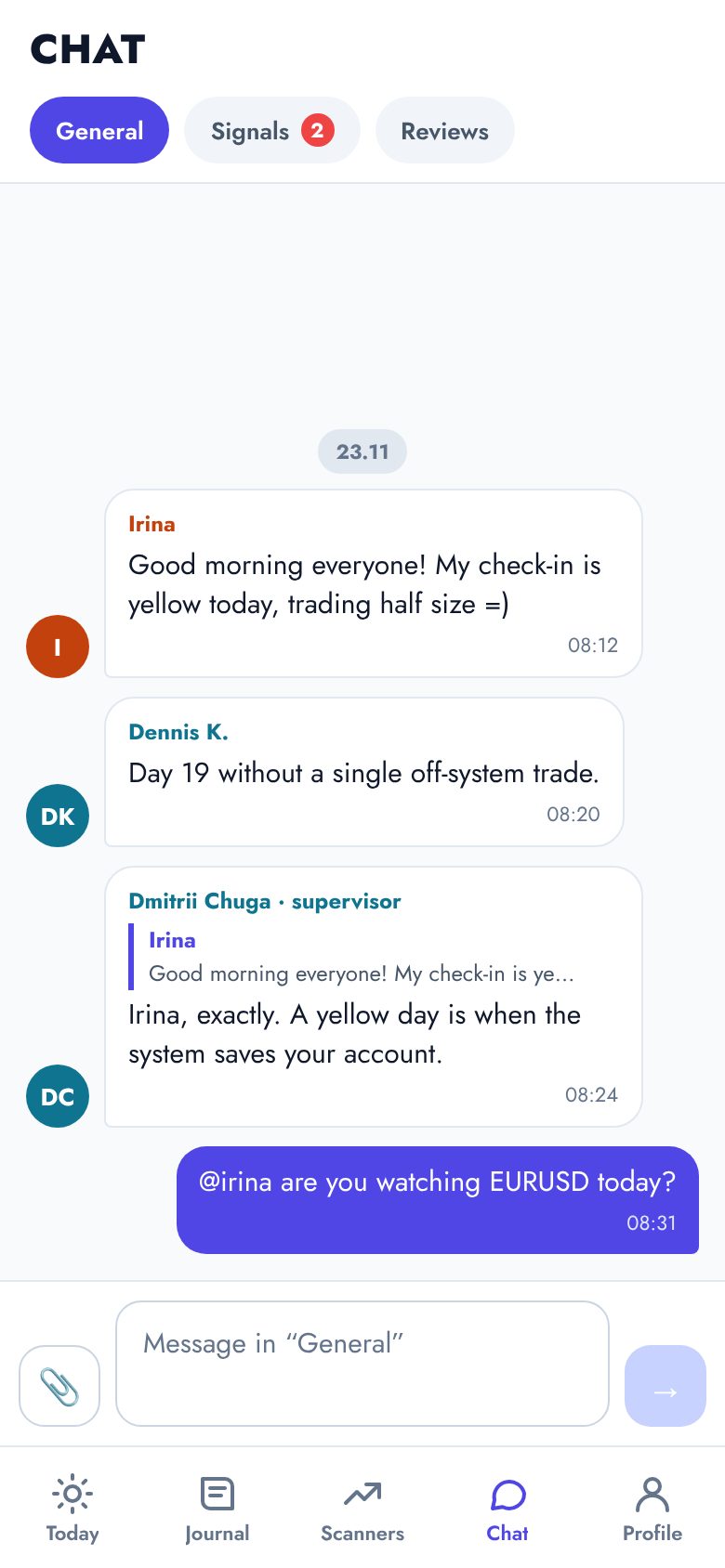
You’re not alone at the terminal

A community chat with topics: general, signals, trade reviews. Reply, mention members and translate messages into your language. A supervisor is in the chat every day.

What else is inside

📊

Statistics

Week and 30 days: clearance, journal and results by day, a curve and takeaways.

📅

News calendar

The day’s high-impact news and community live streams.

📚

Workbooks

Paid workbooks are included in the subscription; free ones are open to all.

🧠

Personality test

Your core, your market traps and the trading style that fits.

🔍

Trade review

Send a trade to the supervisor for review right from the app.

🔔

Notifications

Check-in and journal reminders on your time, with quiet hours.

🕒

Trading sessions

Under the date you see which session is open: London, New York, Tokyo.

💬

Quote of the day

A trader’s quote with its source; save it or share it to your story.

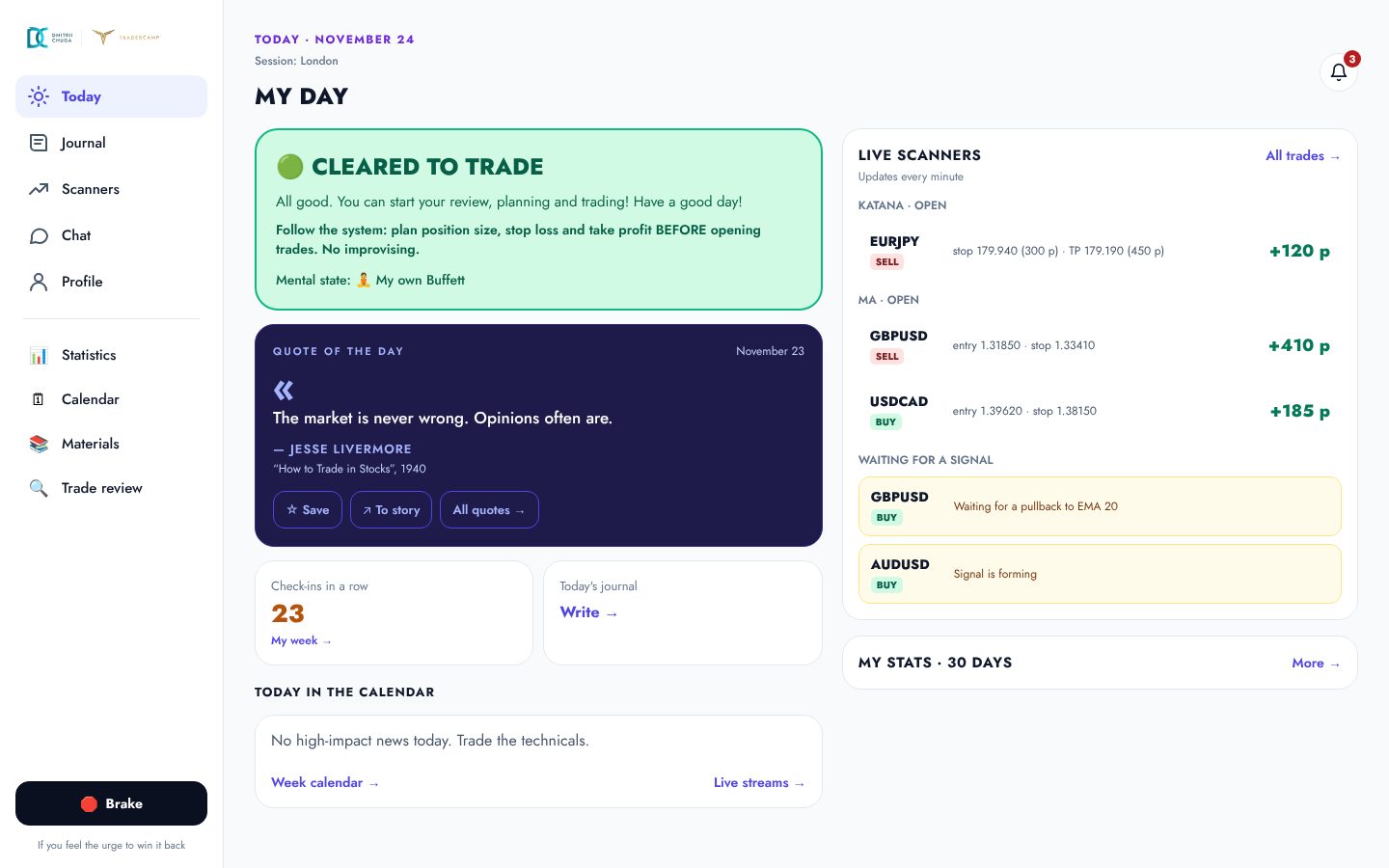
On a computer it’s a dashboard

Open the app on a laptop or tablet: a side menu, live scanners, statistics and My day on one screen.

chuga.link/app

Pricing

For the first 3 days everything is open for free, the chat is read-only. After that, the Supervision Room subscription:

5 490 ₽Pay by card or via Telegram. One subscription covers the app and the bot.
  • Check-in, journal, statistics
  • Katana and MA scanners
  • Community chat and reviews
  • All TRADERCAMP workbooks
Open the app →Subscribe

How to put it on your phone

Openchuga.link/app in your phone’s browser: Safari on iPhone, Chrome on Android.
Sign inwith Telegram or a code sent to your email. The 3-day trial starts automatically.
Add to Home ScreeniPhone: Share → Add to Home Screen. Android: menu ⋮ → Install app. The icon appears next to your other apps.

FAQ

How is the app different from the bot?

It’s one system: the same check-in, journal and scanners. Start a check-in in the bot and finish it in the app. The app makes the journal, statistics, trade charts and chat easier to use.

Do I need Telegram?

No. You can sign in with an email code and pay by card.

Are these trading signals?

No. The scanners show calculations by the TRADERCAMP system rules. The decision and the risk are always yours.

Which languages?

Russian, English and Serbian. The language follows your phone settings and can be changed in the profile.

The app is a tool for discipline and learning, not personal investment advice. Leveraged trading carries a high risk of losing your deposit.